DeepSeek Changes What Its Pro Name Delivers
DeepSeek says requests for V4 Pro will switch to V4.1 Flash until the next Pro model launches. Developers need to check what that means for their applications.
Google’s new app puts Gemini a keyboard shortcut away. Easier access could change which AI assistant people reach for first.
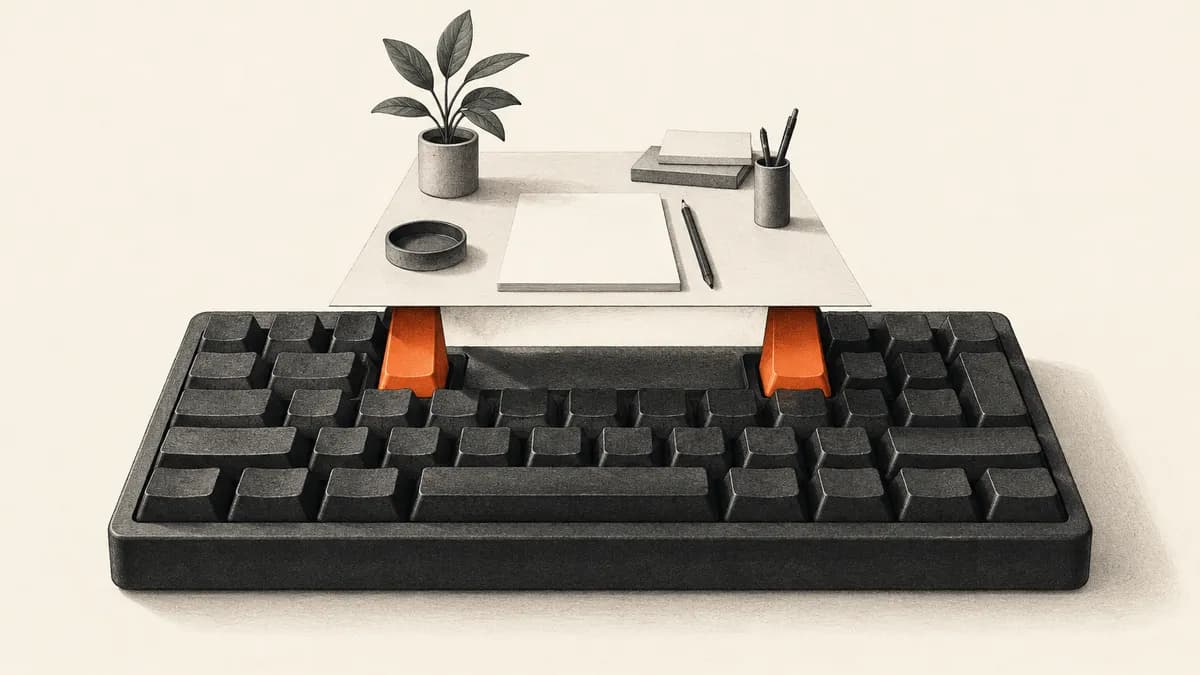
Google launched a Gemini app for Windows on September 10, bringing its AI assistant to the desktop on Windows 10 and 11. Pressing Alt and Space opens it over the current work. The immediate change is access: users can call up Gemini without first finding a browser tab.
The launch deserves to be understood as a distribution move. Google is making Gemini easier to reach at the moment someone needs help. That is different from announcing a more capable model, but it is not trivial. A service can become more useful because it appears in the right place, and more prominent because people stop considering where else to ask.
The app is available globally, Google says, but that does not mean every advertised feature is available to every user. Its footnote says Gemini Spark and Gemini Omni require a Google AI subscription, have varying availability and are for adults. Spark handles multi-step tasks; Omni generates video.
There are two versions of the promise in a desktop launch. One is immediate: a person can summon an assistant while working. The other is expansive: the assistant might eventually feel like a participant in everything happening on the computer. The first is what a shortcut can deliver. The second depends on capabilities, permissions and integrations that need to be understood separately.
That difference matters most to someone who does not follow AI releases closely. Installing a native application can suggest a deeper relationship with the operating system than opening a website. The visual setting can create expectations before the user has tested them. Google’s responsibility is to make the boundary understandable at the point of use, so convenience does not become an accidental promise of broader competence.
Google describes a workspace that can draw on connected apps such as Gmail and Drive, alongside image creation with Nano Banana. These are familiar Gemini functions brought into a dedicated Windows window. The announcement does not establish a new underlying reasoning capability just because the assistant is easier to open.
Consider a hypothetical worker who alternates between a document, email and a browser. If asking a question requires finding the right tab and recovering the relevant context, some questions may never get asked. A readily available shortcut can reduce that interruption. Its value is not that it makes the answer inherently better; it makes the act of seeking an answer easier to fit into the work.
The same convenience can shape choice. When an assistant becomes the reflexive first stop, other products must offer a reason to interrupt that habit. That does not mean users are trapped or that Gemini will necessarily win their preference. It means distribution can influence which system gets the opportunity to help. A product assessment focused only on model scores would overlook that opportunity entirely.
TechRadar’s Graham Barlow reported that installing the app took over Alt-Space on his computer. He found the shortcut convenient, but his account also noted the absence of the mobile app’s Gemini Live experience. Those are his observations; Agentive has not installed or tested the app.
Barlow’s account is useful here because it concerns the everyday interaction rather than a benchmark. A shortcut that displaces an existing behavior can feel helpful to one person and intrusive to another. The relevant question is whether the application fits the user’s routine. A native app does not earn that fit merely by being native; it earns it through the details people encounter repeatedly.
The useful distinction is between a faster way to ask and a broader ability to act. A desktop shortcut can reduce the interruption involved in requesting a summary. It does not by itself establish that the assistant can observe or control everything on the screen.
In the hypothetical worker’s case, the most valuable interaction might be small: a concise explanation or a draft that can be checked quickly. There is no need to imply that the assistant understands the whole desktop for that to matter. A product can disappoint by suggesting too much even when it performs its actual function well. Clear boundaries protect the usefulness of the feature that is already available.
Subscription gates complicate the impression of a single assistant that does everything. A widely available app and a more restricted advanced feature are different layers of access. Users need to discover that distinction before they organize an important task around the feature. The desktop wrapper should make those terms easier to understand, rather than leave the person to infer them from a launch’s broadest language.
Google says more native desktop capabilities will arrive over time. For now, its release makes Gemini more accessible within Windows while leaving advanced features subject to their existing gates. Readers should judge the present app by the work it can perform today, rather than the capabilities a desktop setting might suggest.
Gemini on Windows should be judged as a more accessible front door to Google’s existing AI capabilities. That is a credible and potentially valuable product change. The larger contest is over which assistant people reach for without thinking. Google has improved its position in that contest by shortening the route to a question. Whether the habit lasts will depend on the quality and clarity of what happens after the shortcut opens.